> For the complete documentation index, see [llms.txt](https://docs.tip4serv.com/llms.txt). Markdown versions of documentation pages are available by appending `.md` to page URLs; this page is available as [Markdown](https://docs.tip4serv.com/product-setup/sell-your-files.md).
# Sell your files
If you are a UGC creator, you can use Tip4Serv to sell your mods, assets, or any type of documents.
Tip4Serv is a great service to monetise your files really easily. In this article, we'll see how to create your products and monetise your files.
## 1. My products
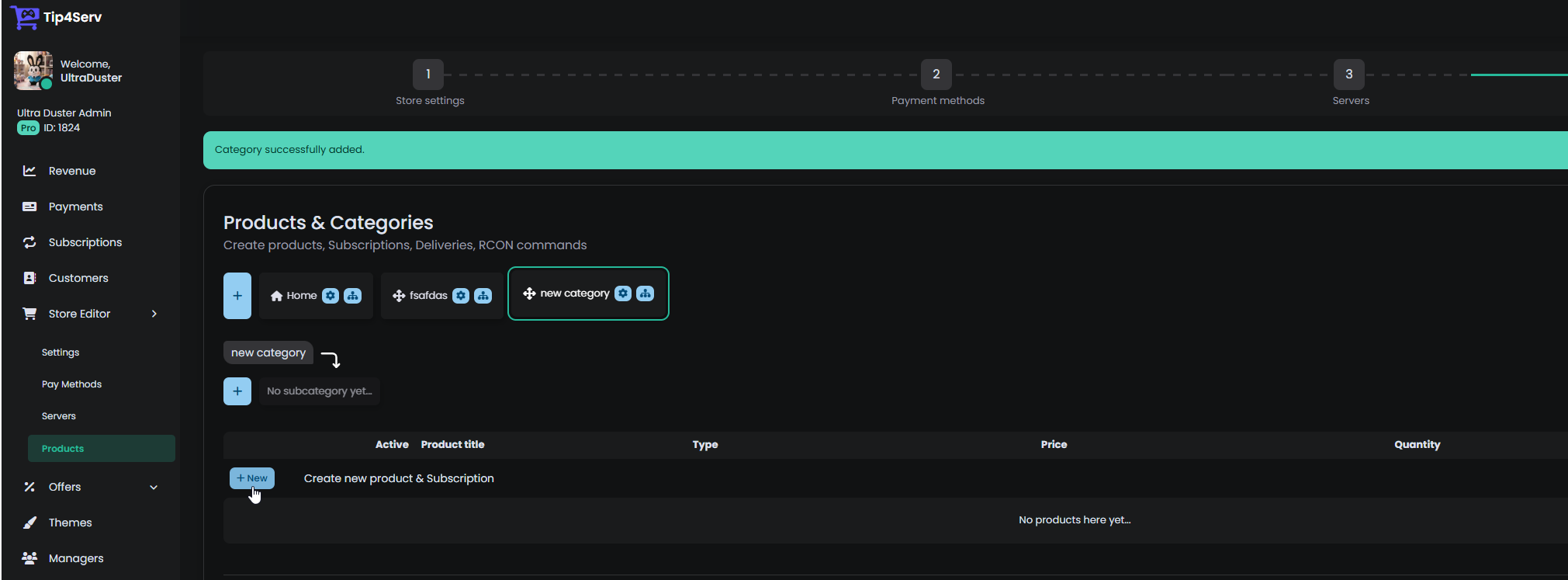
Go to [MY PRODUCTS](https://tip4serv.com/dashboard/my-products) and **ADD** or **EDIT** a product
## 2. Product editor
Click on the **Downloadable Files tab** and enable the option. After you've enabled the files for this product, click on the **Add Files button.**
## 3. Add files and configure expiration
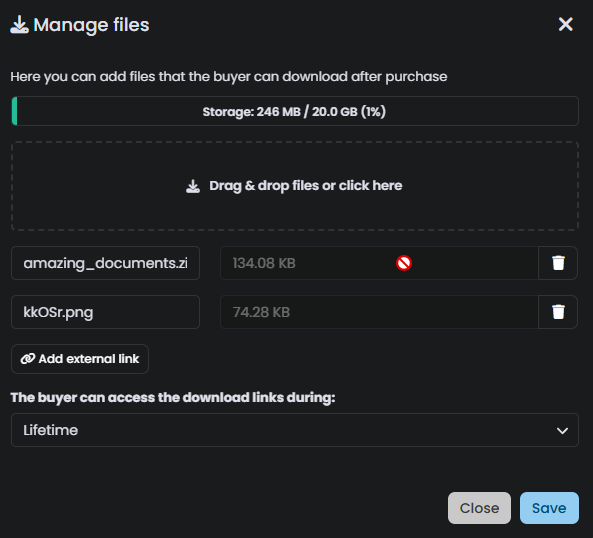
You can now add the files you wish to sell and any expiration you wish to set after a customer purchases your product
When someone purchases a product that contains files, the user will be redirected to a download page and will receive an email to access the download page.