> For the complete documentation index, see [llms.txt](https://docs.tip4serv.com/llms.txt). Markdown versions of documentation pages are available by appending `.md` to page URLs; this page is available as [Markdown](https://docs.tip4serv.com/promotions-and-marketing/gift-cards/sell-gift-cards.md).
# Sell gift cards
How to sell gift cards in your store?
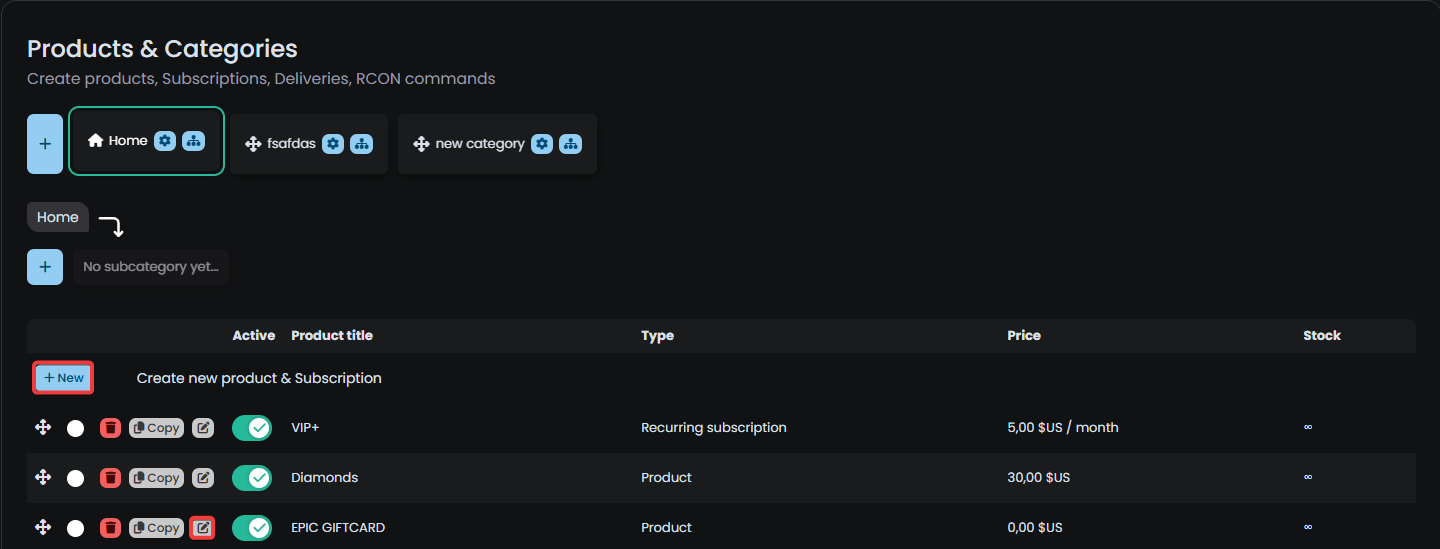
Go to [MY PRODUCTS](https://tip4serv.com/dashboard/my-products) and **ADD** or **EDIT** a product
Screenshot from product editor.
Check **Enable** on the gift card accordion and don't forget to enable the product in the General option
Screenshot from product editor
That concludes the process! Your gift card is now available in your store, and the customer will be prompted to provide the recipient's email address during the purchase.